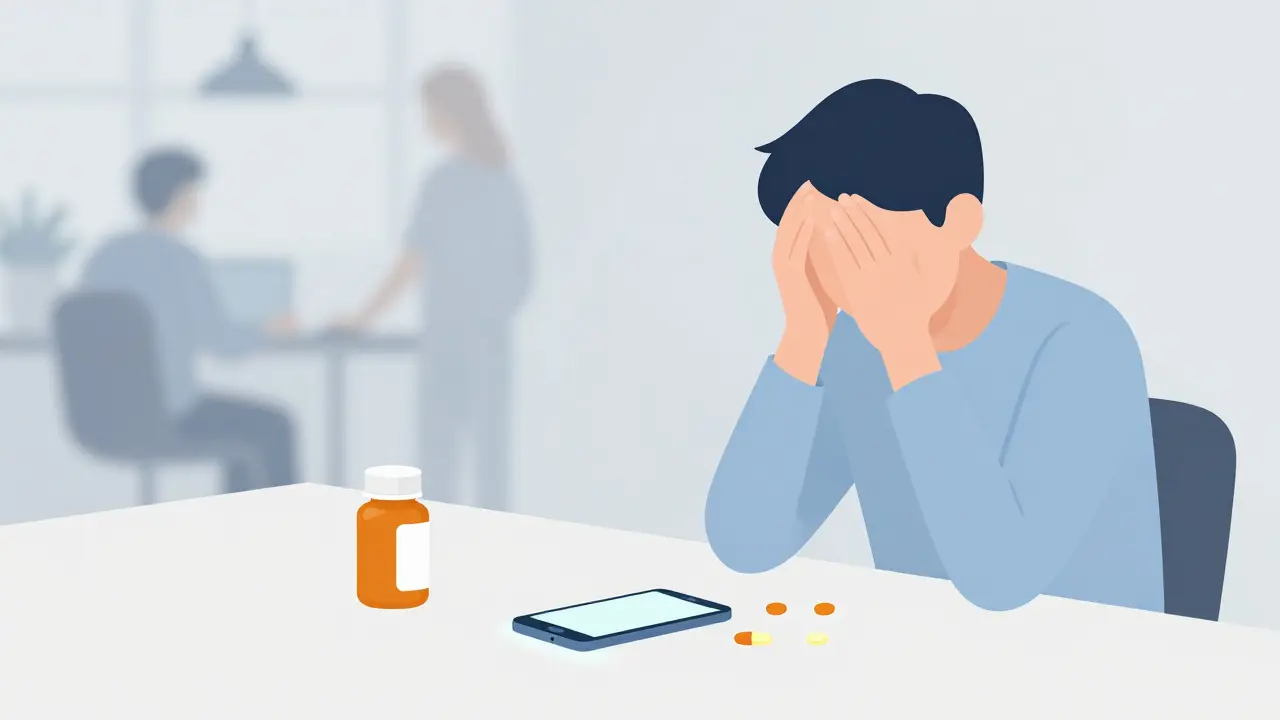
Half of all patients with chronic conditions forget to take their medicine at least sometimes. It sounds like a simple oversight, but the consequences are massive. In the United States alone, non-adherence costs the healthcare system between $100 and $289 billion annually in preventable hospitalizations and complications. You don't have to be part of that statistic. The good news is that setting up effective medication reminders is no longer about buying an expensive smart pillbox or struggling with complex software. Modern smartphone technology makes it possible to build a reliable safety net that fits into your daily routine.
The problem isn't usually a lack of willpower; it's friction. Life gets busy, routines shift, and pills get left on the counter. This guide cuts through the noise of tech jargon to show you exactly how to configure alerts, choose the right tools, and build habits that stick-whether you are managing one daily vitamin or a complex regimen for multiple conditions.
Choosing the Right Tool for Your Needs
Not all reminder systems are created equal. Some are simple digital calendars, while others are sophisticated platforms integrated with pharmacy data. To set up a system that works, you first need to pick a tool that matches your lifestyle and technical comfort level.
| Platform | Best For | Key Feature | Limitation |
|---|---|---|---|
| Medisafe | Individuals seeking AI-driven insights | Adherence Engine analyzes 27 behavioral variables | Lacks direct pharmacy integration for automatic refills |
| Mango Health | Users wanting retail pharmacy connectivity | Partnerships with 65,000+ U.S. pharmacies | Limited caregiver management features |
| MedAdvisor | Australian/NZ users and family caregivers | Seamless prescription transfer and family sharing | Advanced analytics restricted to premium partners |
| Round Health | Apple ecosystem users | Superior Apple Health integration | iOS only (no Android support) |
If you are an iPhone user who lives in the Apple ecosystem, Round Health offers tight integration with Apple Health, syncing your vitals and activity data. However, if you use Android or need a cross-platform solution, Medisafe is often the top choice due to its robust free version and powerful adherence engine. For those in Australia or New Zealand, MedAdvisor stands out because it connects directly with local pharmacy systems, allowing for smoother prescription transfers.
Consider your specific needs: Do you need someone else to monitor your doses? If so, look for apps with strong caregiver tiers, such as CareZone, which allows family members to view schedules or edit them in emergencies. If you are managing polypharmacy (more than five medications), prioritize apps with high database accuracy to avoid dangerous input errors.
Step-by-Step Setup for Maximum Reliability
Picking the app is only half the battle. How you configure it determines whether you actually take your meds. Research shows that systems using combined push notifications and SMS alerts see an 87% higher adherence rate compared to single-channel systems. Here is how to set yours up correctly from day one.
- Verify Time Zones and Daylight Savings: This seems obvious, but time zone errors cause 22% of early-stage setup failures. Ensure your phone’s location services are enabled so the app can automatically adjust for daylight saving changes. If you travel frequently, check if the app supports multi-timezone scheduling.
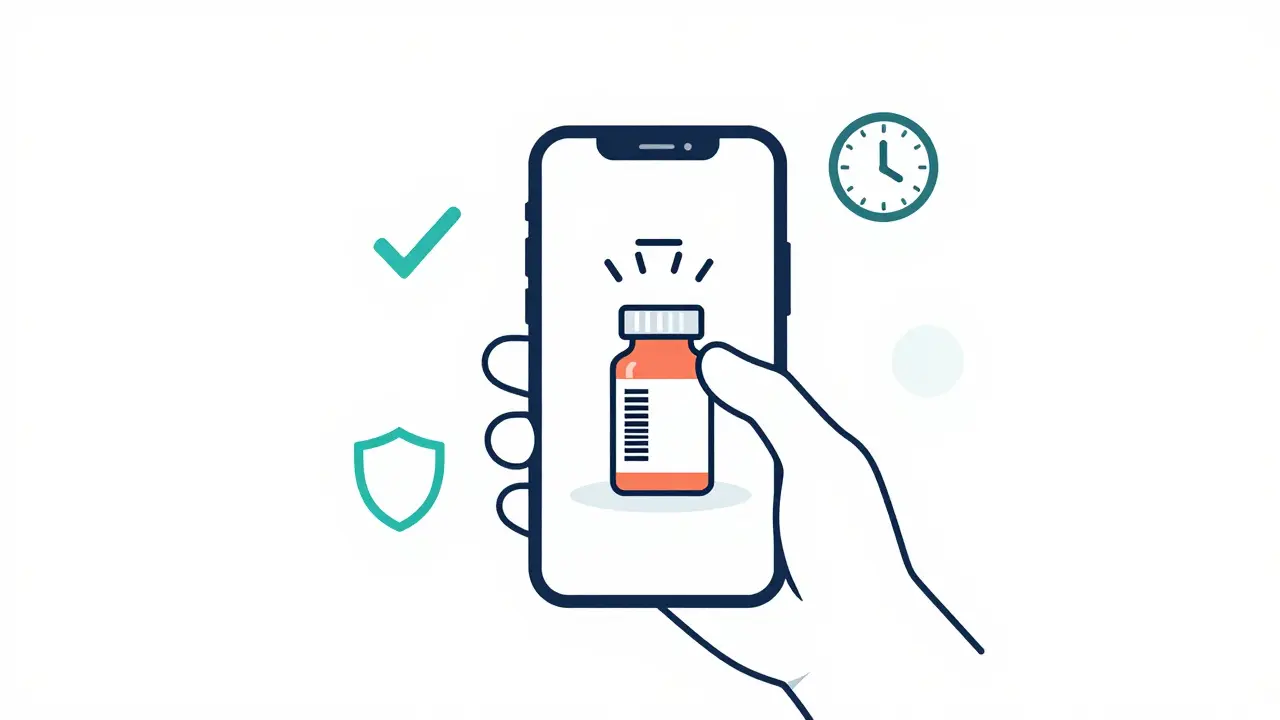
- Use Barcode Scanning: Manual entry is prone to error. Most modern apps allow you to scan the barcode on your medication bottle. This reduces input errors by up to 83% and ensures the app pulls correct dosage information from databases like RxNorm, which contains over 350,000 drug entries.
- Configure Notification Channels: Don’t rely on just one alert type. Enable both push notifications and SMS backups. For critical medications, consider enabling voice alerts if available. Test these immediately after setup to ensure they bypass your phone’s “Do Not Disturb” mode during key times.
- Set Up Caregiver Permissions: If you live with family or have a designated helper, add them now. Most apps offer three access levels: view-only, edit schedules, and emergency override. Granting “view-only” access to a spouse or adult child creates a gentle layer of accountability without giving them full control.
- Establish Refill Protocols: Link your pharmacy account if the app supports it. Apps like Mango Health and MedAdvisor can predict when you are running low and send refill requests automatically. This step alone can cut refill abandonment by 44%.
Initial setup typically takes between 37 and 112 minutes depending on how many medications you manage. Take your time during this phase. Rushing leads to silent failures where alerts go unnoticed because permissions weren’t granted properly.
Overcoming Common Pitfalls
Even the best setup can fail if you don’t anticipate real-world obstacles. Battery drain, alert fatigue, and interface confusion are the three biggest reasons people abandon digital reminders within the first month.
Battery Drain: Background location services and constant notification checks can eat up battery life. On average, aggressive reminder apps may drain 1.2% of your battery per hour. To mitigate this, enable offline mode for data storage (using SQLite databases) and sync only when connected to Wi-Fi. Also, disable unnecessary visual effects like animations in the app settings.
Alert Fatigue: If you take more than five medications a day, you are at risk of alert fatigue. Studies show that 38% of users in polypharmacy scenarios stop responding to alarms entirely. The solution is staggered escalation protocols. Configure your app to start with a silent vibration, then escalate to audio, and finally notify a caregiver if the dose remains unconfirmed after 47 minutes. This graduated approach reduces missed doses by 63% according to trials at Mayo Clinic.
Interface Confusion for Seniors: If you are setting this up for an older adult, remember that 41% of seniors over 75 struggle with standard smartphone interfaces. Look for apps with simplified modes or large-text options. Some platforms, like Pillo, use gamified characters to make interaction intuitive, reducing setup abandonment by 58%. Alternatively, consider hybrid solutions like compartmentalized pillboxes with built-in alarms, which achieved 82% adherence rates in elderly populations compared to 67% for smartphone apps alone.
Advanced Features for Better Adherence
Once the basics are running smoothly, you can leverage advanced features to turn passive reminders into active health management tools. These features move beyond simple timing to address the behavioral aspects of taking medication.
- Context-Aware Notifications: Newer versions of leading apps integrate with your calendar and location data. If your phone detects you are in a meeting or at work, it might suppress audio alerts but keep visual ones active. This prevents embarrassment and ensures you still see the reminder when appropriate.
- Visual Confirmation: Some apps require you to take a photo of the pill or use your camera to verify ingestion. This feature cuts false adherence reports by 89%, ensuring that your records-and your doctor’s understanding of your progress-are accurate.
- Vitals Integration: If you wear a fitness tracker or smartwatch, link it to your medication app. Abnormal readings, such as high blood pressure, can trigger specific prompts to review missed antihypertensive doses. This closed-loop feedback helps you connect symptoms directly to adherence behaviors.
- Gamification and Streaks: For younger users or those motivated by goals, streak counters and milestone rewards can increase 30-day adherence by 37 percentage points. However, note that 89% of users over 65 find these features distracting and prefer to disable them. Tailor this setting to the individual’s personality.
When Digital Isn't Enough
Technology is powerful, but it is not a magic bullet. If you are dealing with severe cognitive decline, memory issues related to dementia, or extreme difficulty with smartphones, digital apps may add more stress than help. In these cases, physical aids remain superior.
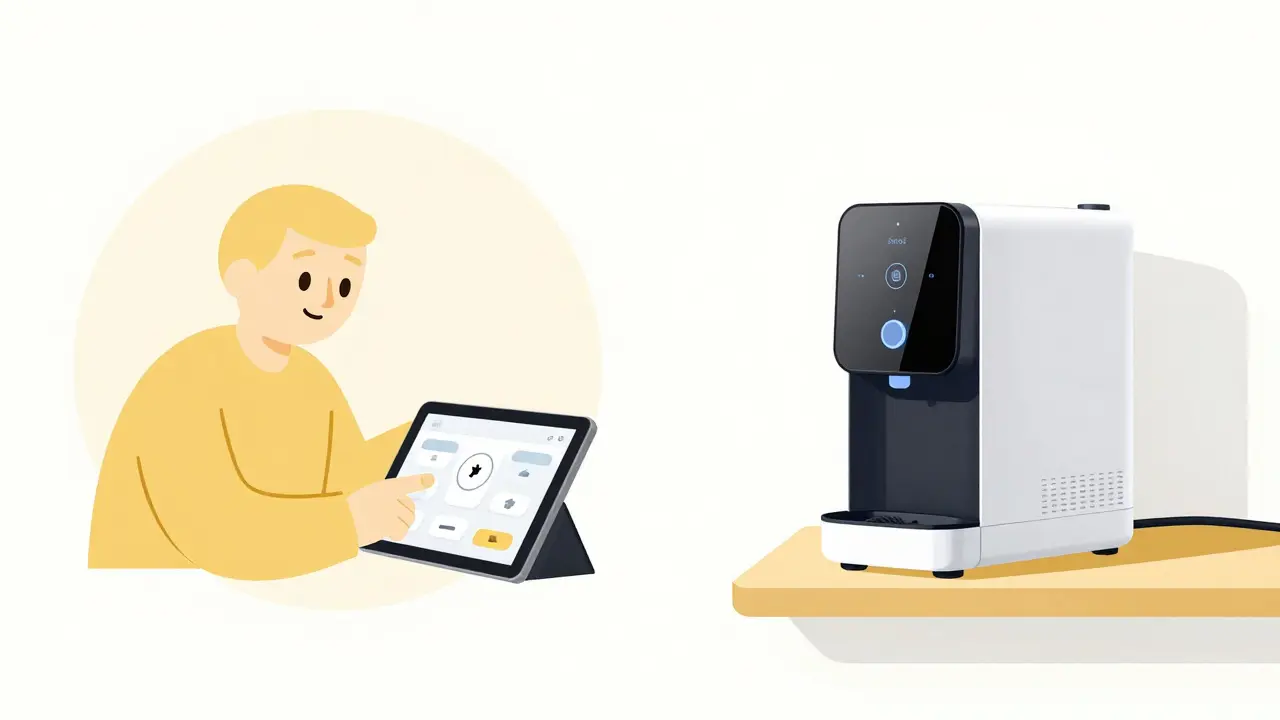
Smart dispensing robots like Hero Health, which cost around $199 per month, lock away medications and only dispense the correct dose at the scheduled time. While expensive, they provide a level of security that apps cannot match. For lower-cost alternatives, traditional weekly pill organizers with loud alarm clocks placed next to them are highly effective. The key is matching the tool to the user’s capability. No amount of AI personalization will help if the user cannot navigate the screen.
What is the best free medication reminder app?
Medisafe is widely considered the best free option for most users. It offers a robust basic version with multi-channel notifications, caregiver alerts, and a large medication database. While its premium version ($29.99/year) adds advanced AI insights, the free tier provides all the essential tools needed for reliable daily adherence.
How do I stop my medication app from draining my battery?
To minimize battery drain, disable background location services if precise location tracking isn't needed for your context-aware alerts. Enable offline data storage so the app doesn't constantly sync with the cloud. Additionally, reduce the frequency of vibration patterns and turn off animated visuals within the app settings. Most modern apps use SQLite for local storage, which is efficient, but network calls are the main battery consumers.
Can medication reminders help with polypharmacy?
Yes, but with caution. Polypharmacy (taking 10+ medications) increases the risk of alert fatigue. Apps like Medisafe and CareZone are designed to handle complex regimens by grouping similar medications and staggering alerts. However, users should implement escalation protocols (vibration → audio → caregiver alert) to ensure doses aren't ignored amidst the noise of frequent notifications.
Is it safe to share my medication data with caregivers?
Yes, provided you use HIPAA-compliant apps that employ AES-256 encryption. Reputable platforms like Medisafe and MedAdvisor offer tiered permission systems. You can grant caregivers "view-only" access so they can monitor adherence without being able to change your schedule. Always ensure two-factor authentication is enabled on your account for added security.
What should I do if I miss a dose despite the alarm?
Most apps include a "missed dose" log. Check this log to identify patterns. Are you consistently missing evening doses? You might need to adjust the timing or switch to a morning-only regimen if medically appropriate. Share this data with your doctor. Tools like Medisafe’s pattern analysis can highlight trends, helping you and your healthcare provider adjust your treatment plan for better long-term adherence.