Medication errors in children happen three times more often than they do in adults. Why? Because you can't just hand a kid an adult pill and call it a day. Pediatric dosing is a math problem involving weight, age, and specific drug concentrations. One decimal point in the wrong place can turn a helpful medicine into a dangerous overdose. This is why tracking pediatric doses with apps and dosing charts has become a non-negotiable part of modern childcare.
Whether you are a parent managing fever reducers at home or a nurse rushing through an emergency room shift, the tools available today have changed the game. We used to rely on paper charts and mental math under pressure. Now, we have specialized software that does the heavy lifting. But not all tools are created equal, and using them incorrectly can be just as risky as not using them at all. Here is how to navigate the world of digital pediatric dose tracking safely and effectively.
The Difference Between Clinician and Parent Apps
Before you download anything, you need to know who the app is built for. The market splits cleanly into two groups: professional clinical decision support systems and consumer-facing management tools. They look similar on your phone screen, but their purposes are completely different.
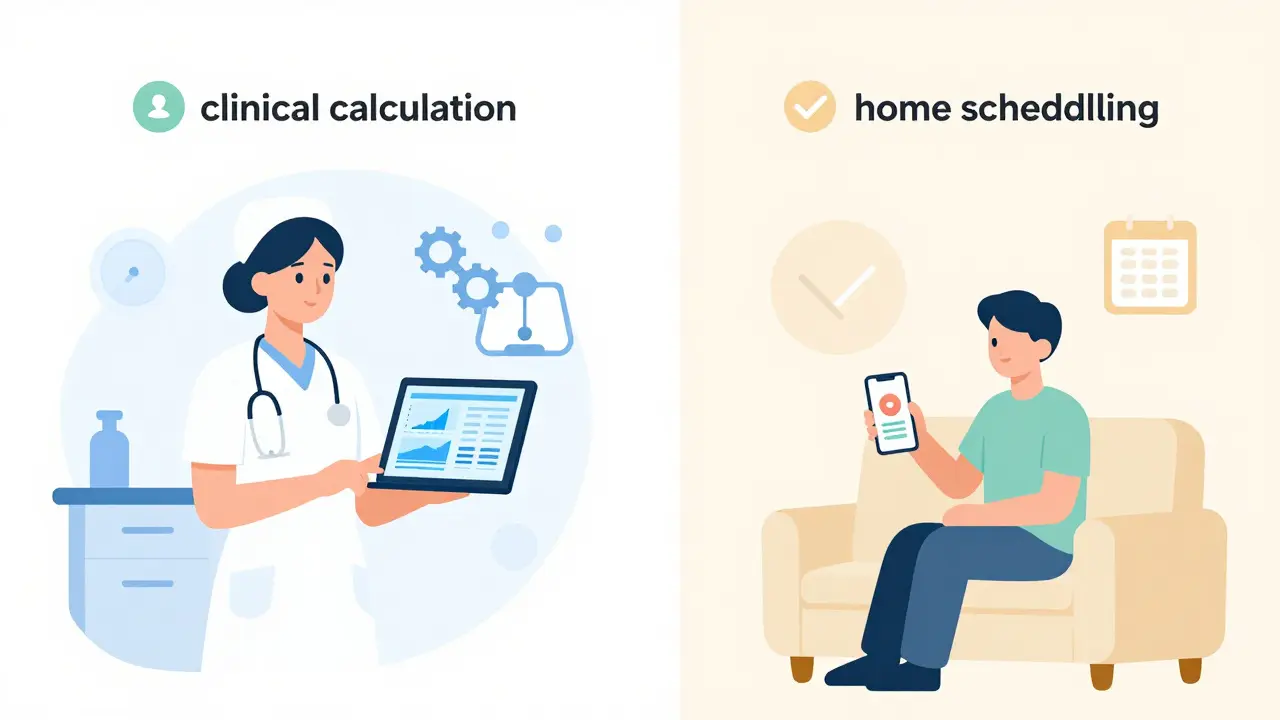
Pedi STAT is a leading clinical application developed by emergency physicians at Connecticut Children's Medical Center. It was launched in 2009 specifically to stop calculation errors during high-stress emergencies. If you are a healthcare provider, this is likely your go-to. It handles over 200 pediatric medications, calculates doses based on weight instantly, and even sizes equipment like endotracheal tubes. It’s fast-averaging 3 seconds per calculation compared to nearly 19 seconds for manual math.
On the other side, you have apps like My Child's Meds, which is a consumer-focused tool endorsed by the Royal College of Paediatrics and Child Health. This app isn't designed to calculate complex emergency drugs. Instead, it helps parents track daily schedules, prevent double-dosing, and store health records. It uses visual icons and calendar reminders to make home administration less stressful. While Pedi STAT is for saving lives in the ER, My Child's Meds is for keeping routines steady at home.
| Feature | Pedi STAT (Clinical) | Epocrates (Clinical) | My Child's Meds (Parent) |
|---|---|---|---|
| Primary User | Healthcare Providers | Doctors/Nurses | Parents/Caregivers |
| Key Function | Emergency dose calculation | Drug interaction checking | Scheduling & tracking |
| Cost | Institutional License | Free / $175/year Plus | Free |
| Database Size | 200+ pediatric meds | 4,500+ medications | Custom user entries |
| EHR Integration | Yes (HL7) | Limited | No |
Why Weight-Based Calculation Matters More Than Age
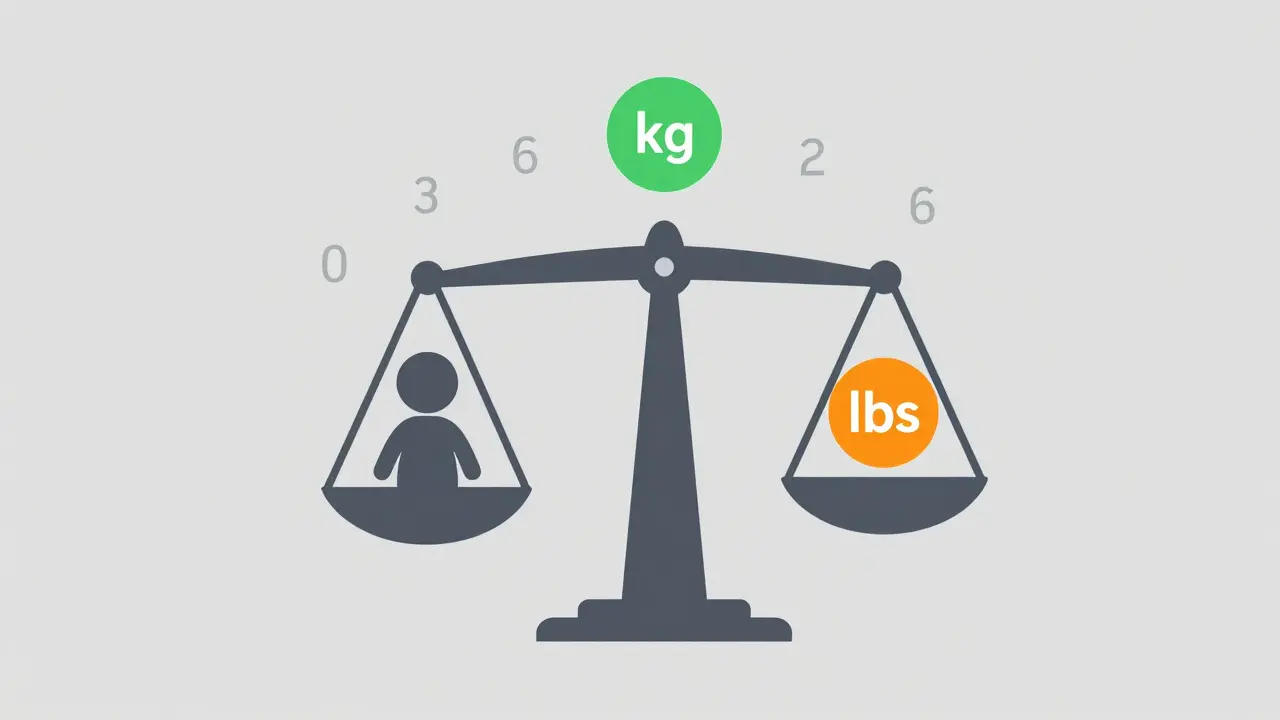
If there is one rule in pediatric pharmacology, it is this: weight trumps age. A tall 8-year-old might weigh the same as a short 10-year-old, but their metabolic rates and organ maturity differ. Most dosing charts and apps require you to input weight in kilograms. This is where most human error happens.
Studies show that up to 63% of users in clinical settings accidentally enter weight in pounds when the system expects kilograms. This results in a dose that is 2.2 times too high. That is a massive margin for error. When using apps like NP Peds MD, which provides pediatrician-approved dosage tables by weight, always double-check the unit toggle. Does the app ask for kg or lbs? Never assume.
Apps help here by automating the conversion. Epocrates offers comprehensive drug information and pediatric dosing calculators for thousands of medications. Its algorithm automatically converts units and checks for interactions. However, technology fails. If your phone dies or the server goes down, you need to know the basics. Relying solely on an app without understanding the underlying math creates "dangerous complacency," as noted by Dr. Susan Calcaterra from UCLA. In a 2023 simulation, 22% of medical residents couldn't manually calculate epinephrine doses when their devices failed.
Setting Up Your Home Medication System
For parents, the goal isn't just accuracy; it's consistency. Kids get sick often, and schedules get messy. Night feedings, school runs, and tantrums can derail a strict dosing timetable. This is where tracking apps shine.
Start by choosing an app that supports multiple children if you have siblings. My Child's Meds includes a multi-child profile feature that allows separate tracking for each sibling. Set up your profiles before the sickness hits. Enter the exact concentration of the medicine you bought from the pharmacy. Do not guess. If the bottle says 100mg/5mL, type that in exactly.
Use the visual aids. Many parent apps use color-coded icons to show whether a dose has been given. This reduces confusion between "morning" and "evening" doses. One parent reported that the double-dose prevention feature saved her toddler from an accidental overdose of ibuprofen during a confusing night routine. These features work because they add a layer of friction-you have to confirm the action, which gives your brain a chance to catch mistakes.
Bridging the Gap: Hospital to Home Transitions
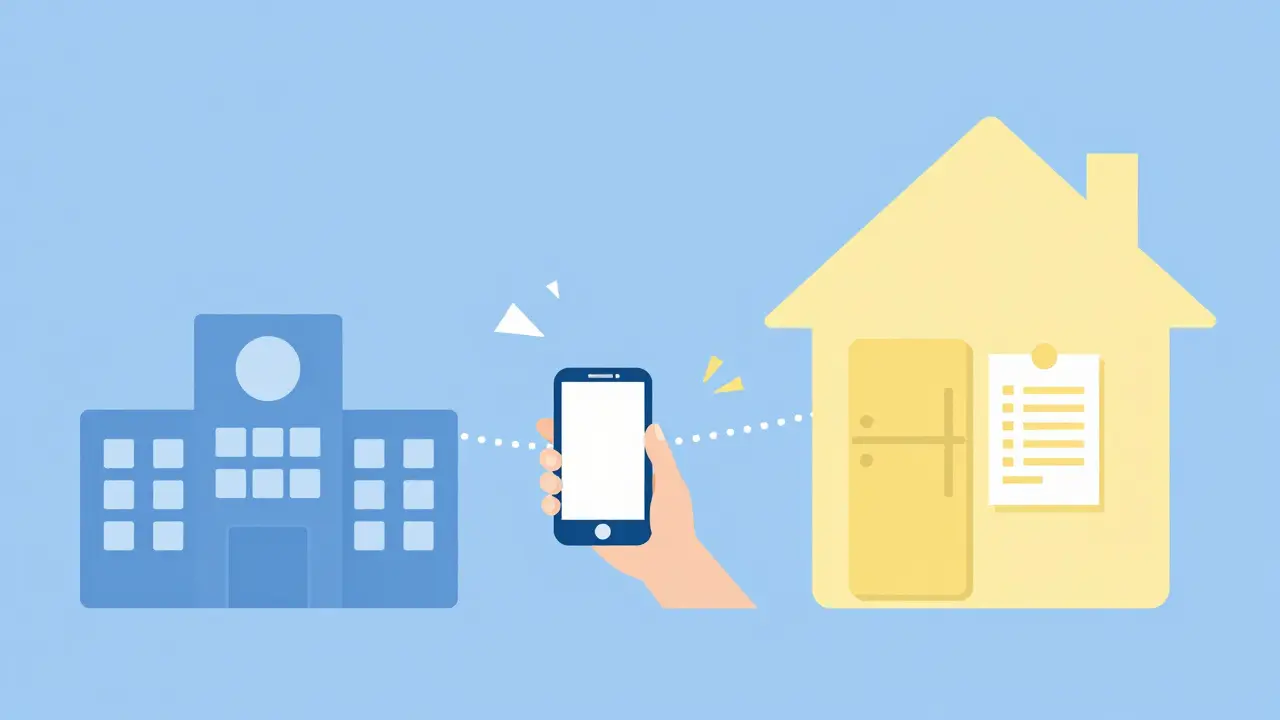
The most dangerous time for medication errors is when a child leaves the hospital. A 2023 survey by the American Academy of Pediatrics found that 87% of parent-reported medication errors occur during this transition. You leave the hospital with a discharge paper that looks like Greek, and you try to translate it into your home app.
This is a major pain point. Clinical apps like PedsGuide (developed by Children's Mercy Kansas City) are locked behind institutional licenses. Parents cannot access them. Meanwhile, parent apps cannot pull data directly from hospital Electronic Health Records (EHRs) due to privacy laws like HIPAA. There is a data silo effect.
To fix this, you must act as the bridge. When your child is discharged, take photos of the prescription label and the discharge instructions. Open your home app immediately while you are still in the parking lot. Type in the details. Ask the pharmacist to verify the numbers with you right then and there. Apps like ChildrensMD offer a 'share with provider' function that helps reduce information gaps between home and clinic. Use these sharing features to send your tracked history back to the doctor at follow-up visits. It proves what was actually taken versus what was prescribed.
Safety Checks and Common Pitfalls
Even the best apps have limitations. Consumer apps are generally considered "wellness" tools, not medical devices. They don't undergo the same rigorous FDA testing as clinical tools. For example, the Harriet Lane Handbook app is the gold standard for clinical reference but costs nearly $70 a year and uses dense medical jargon that confuses most parents.
Here are three critical safety habits to adopt:
- Verify Units Every Time: Before hitting "calculate" or "confirm," look at the number. Does 500mg sound right for a 15-pound toddler? No. If the app spits out a number that feels huge, stop. Re-enter the weight.
- Weekly Reconciliation: The Children's Hospital of Philadelphia recommends comparing your app's log against your pharmacy receipts once a week. Did you refill the prescription? Did you skip a day? Catch discrepancies early.
- Keep a Paper Backup: Technology fails. Batteries die. Keep a simple printed chart on the fridge. It doesn't need to be fancy; just the medicine name, dose, and time. It serves as a fail-safe if your phone is lost or broken.
The Future of Pediatric Dose Tracking
We are moving toward a more integrated future. By 2027, industry analysts predict that 95% of pediatric medication administrations in clinical settings will involve digital verification. We are seeing trials for AI-powered error prediction systems that flag unusual doses before they are administered. Smart pill dispensers are being tested in hospitals to physically lock out incorrect amounts.
For now, the responsibility falls on us. Whether you are using a sophisticated clinical calculator or a simple parent tracker, the tool is only as good as the person using it. Stay vigilant, check your units, and never hesitate to call your pharmacist if a number feels off. Safety is a team effort, and your attention to detail is the most important variable in the equation.
What is the best free app for tracking pediatric medications?
For parents, My Child's Meds is widely recommended because it is free, endorsed by the Royal College of Paediatrics and Child Health, and focuses on scheduling and preventing missed doses. For clinicians, Epocrates offers a robust free version with extensive drug databases and interaction checks.
Can I use Pedi STAT at home?
Pedi STAT is designed primarily for healthcare professionals in clinical settings. While some individuals may have access, it is optimized for emergency calculations and complex protocols rather than daily home management. Parent-focused apps like My Child's Meds are easier to use for routine care.
Why do pediatric doses depend on weight instead of age?
Children's bodies metabolize drugs differently than adults, and size varies significantly among kids of the same age. Weight-based dosing ensures the medication amount matches the child's body mass, reducing the risk of under-dosing (ineffective treatment) or overdosing (toxicity).
How can I avoid common dosing errors with apps?
Always verify the weight unit (kg vs. lbs) before calculating. Double-check the medication concentration on the bottle label against what you entered in the app. Use apps with double-dose prevention features and keep a paper backup of your schedule.
Are pediatric dose tracking apps safe regarding privacy?
Clinical apps used in hospitals are required to comply with HIPAA regulations. Consumer apps vary in their privacy policies. Check the app's terms of service to see how your child's health data is stored and shared. Avoid entering sensitive identifiable information if the app is not verified as secure.